Design agents for creative work
Refine prompts, build workflows, research ideas and control your CAD software with Runchat's design agents and visual canvas.
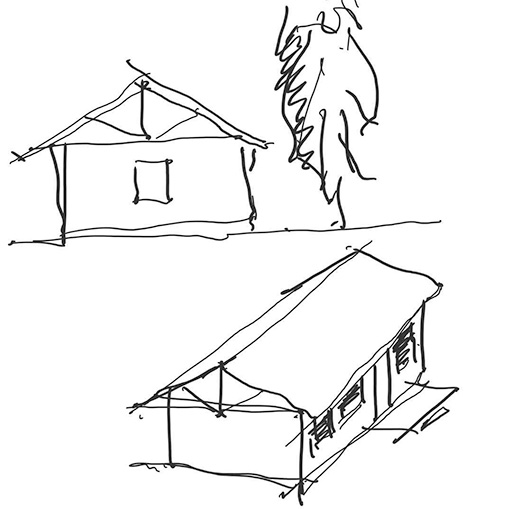
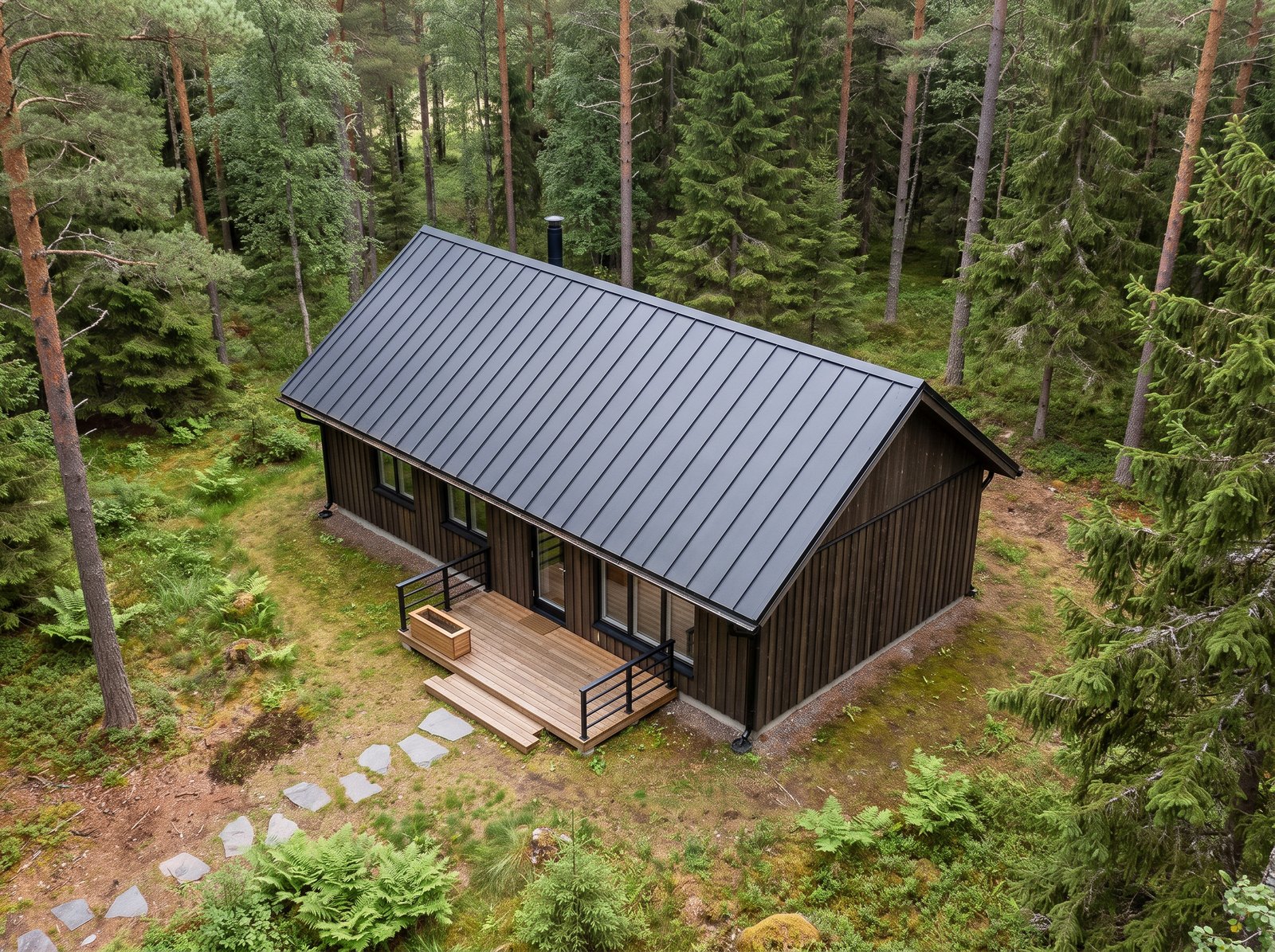
- Lay out the floor platform and stud walls
- Set roof trusses at 600 centres
- Fit windows and a glazed door
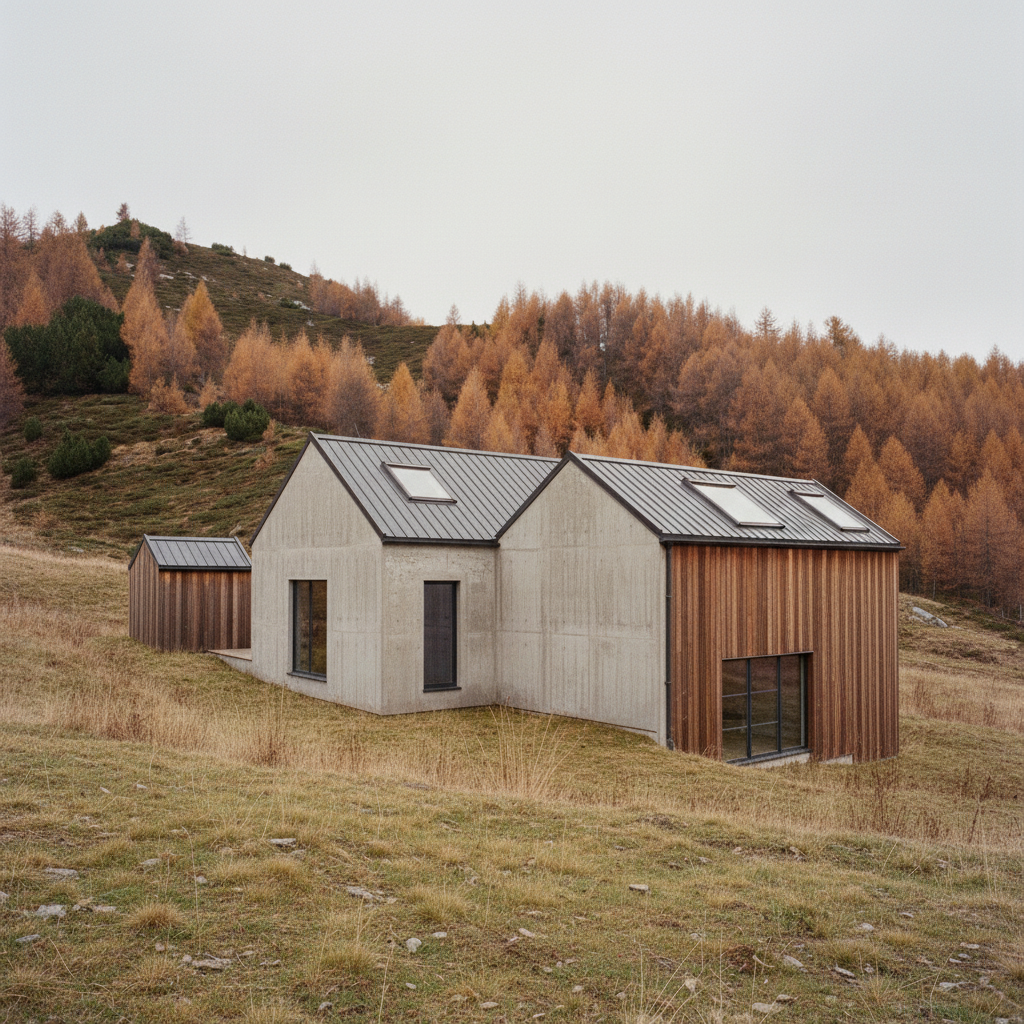
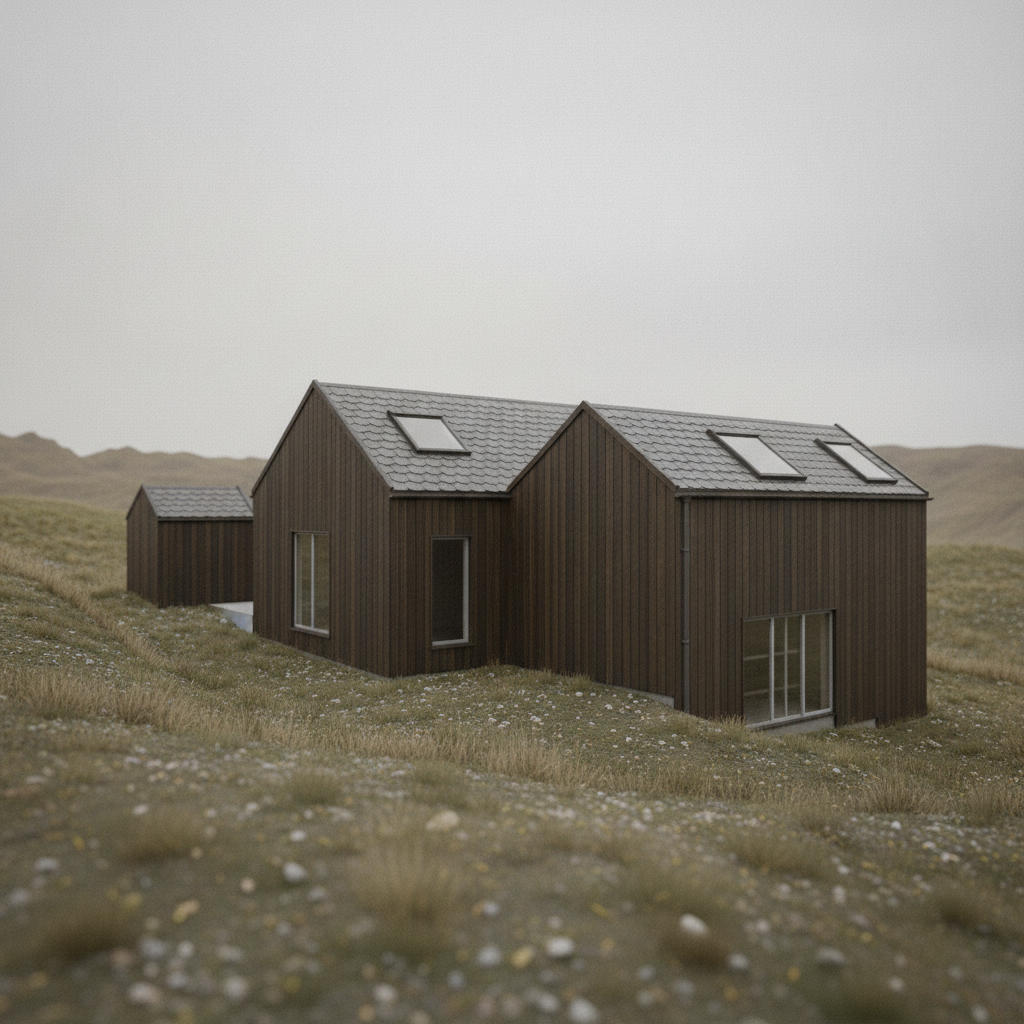
- Clad in dark timber, add a deck
- Capture three views and render
Trusses 0
Openings 0


 Install the ChatGPT plugin
Run powerful design tools from chat
Runchat's agents work with hundreds of the latest generative models and example templates to build workflows for concept design, visualisation, form finding, publishing, analysis and more.
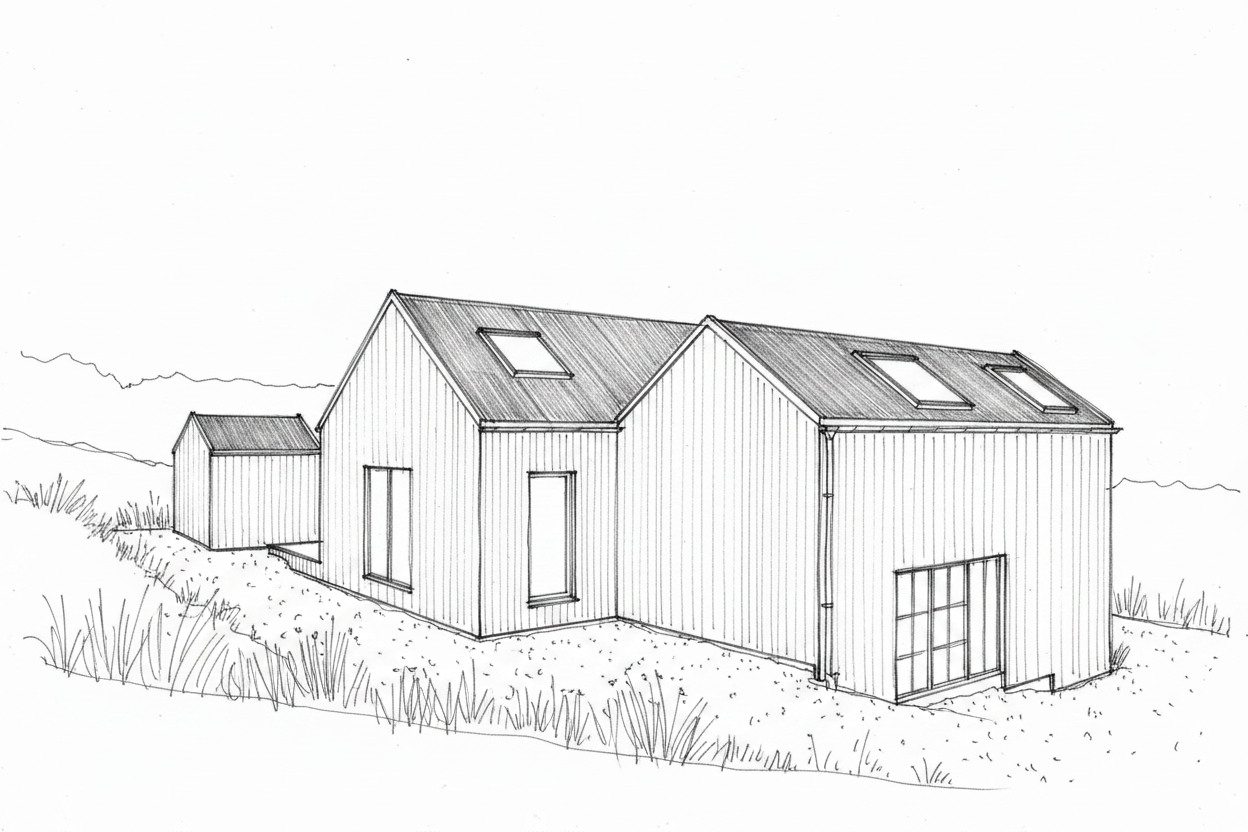
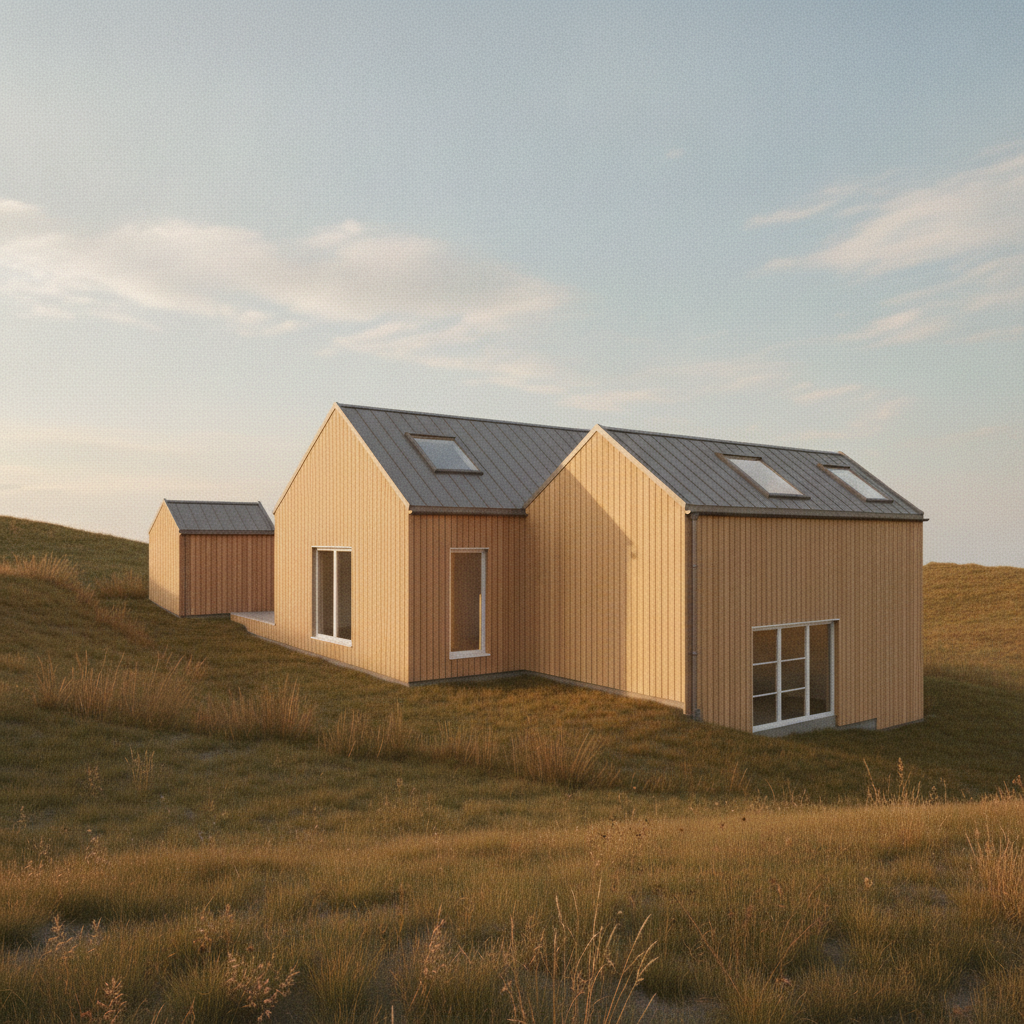
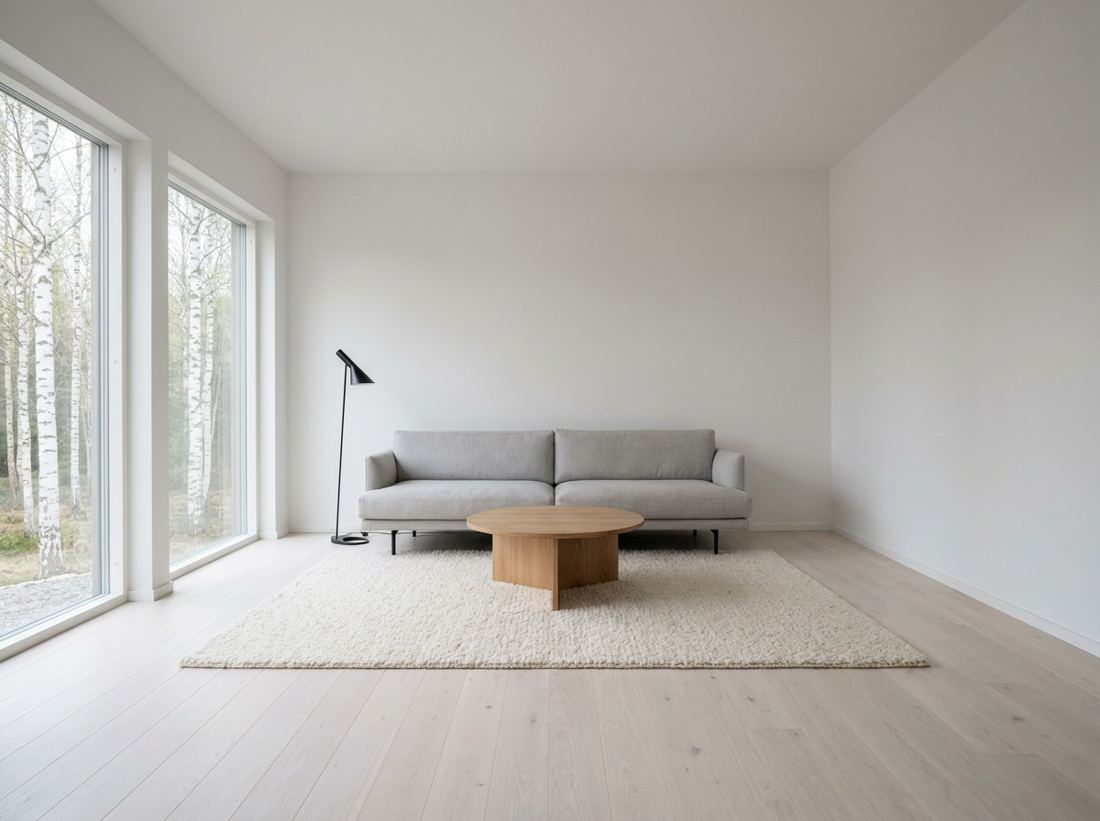
Precise edits with visual markup
Box an area, sketch over it or number a spot, then describe the change. Apply edits only what you marked, and every version stays in the history.
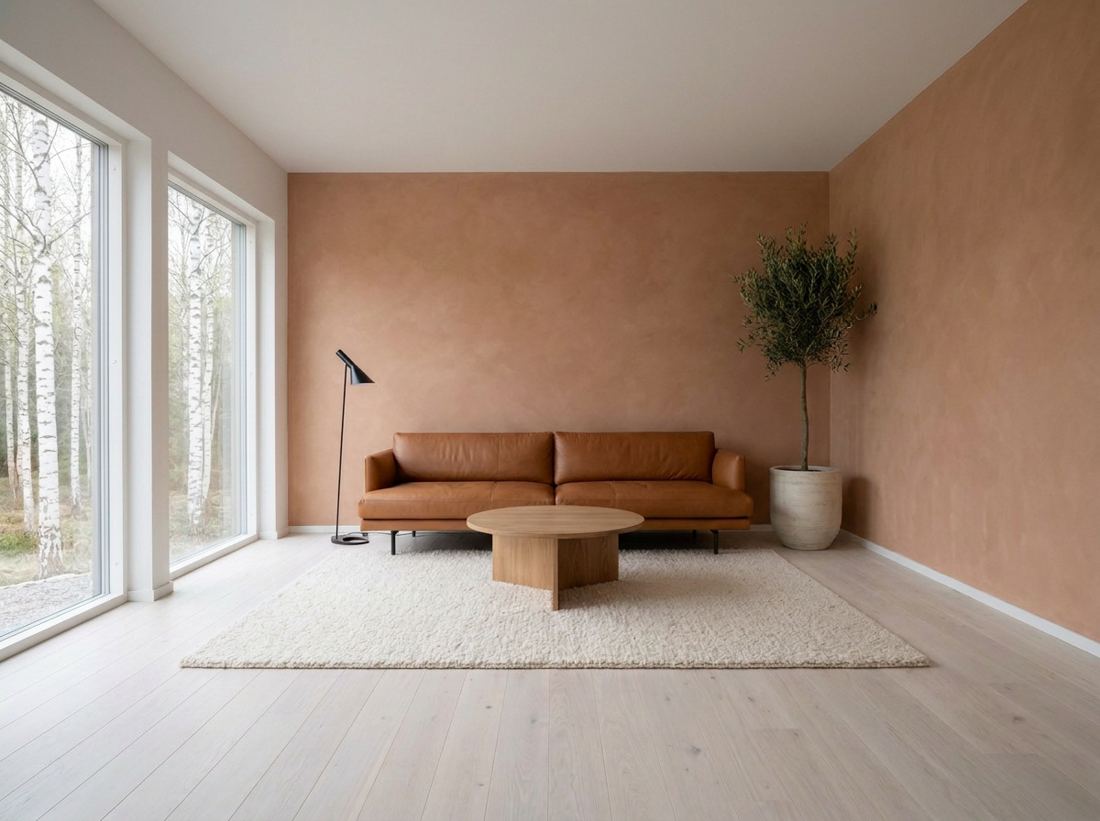 123ApplyingOriginalCurrentLeather sofa, plaster, olive treeCurrent
Runchat has won us time by making it faster to generate renders from Rhino and helping the team collaborate on image-making workflows.
It helps us iterate on concepts for sculptures while generating colour strips, automating unrolls and laying out cut files for fabrication.
Bring Runchat to your own agent
The Runchat CLI connects Claude Code, Codex or any agent with a terminal to your canvases, models and tools. Sign in once in the browser; no API keys to paste.
Create and control Grasshopper definitions
The free Runchat agent works directly inside Grasshopper. Ask it what any component does, have it dial in slider values, read and write geometry to Rhino, and build definitions from native components and plugins.
Form finding
A hyperbolic paraboloid canopy from straight timber laths, with rise and spacing left as sliders.
Analysis
Quick wind comfort and solar gain studies on early massing options.
Build consistent, reusable tools for your team
Publish any workflow as a tool that can be reused on the canvas or by the design agent. Tools can help define style guides and simplify complex workflows or design processes.
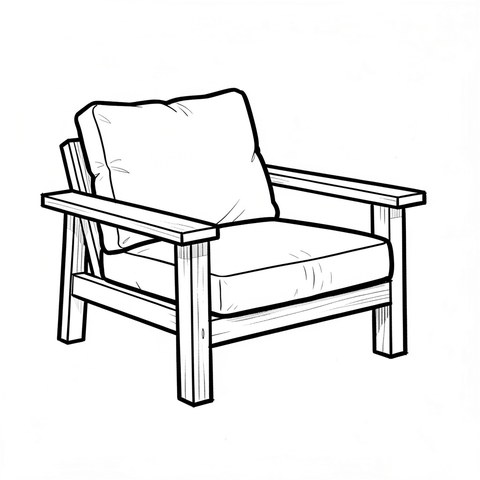
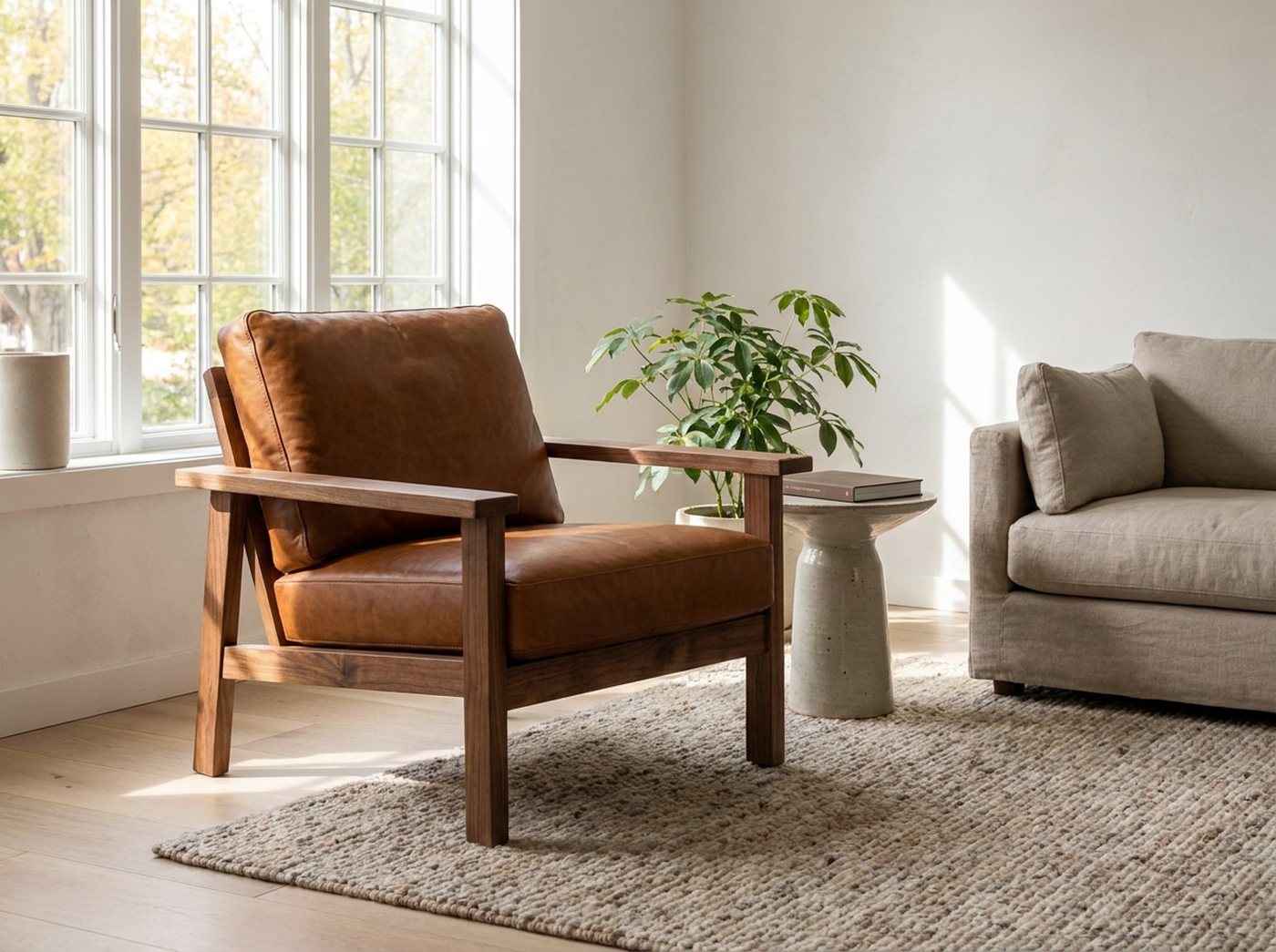
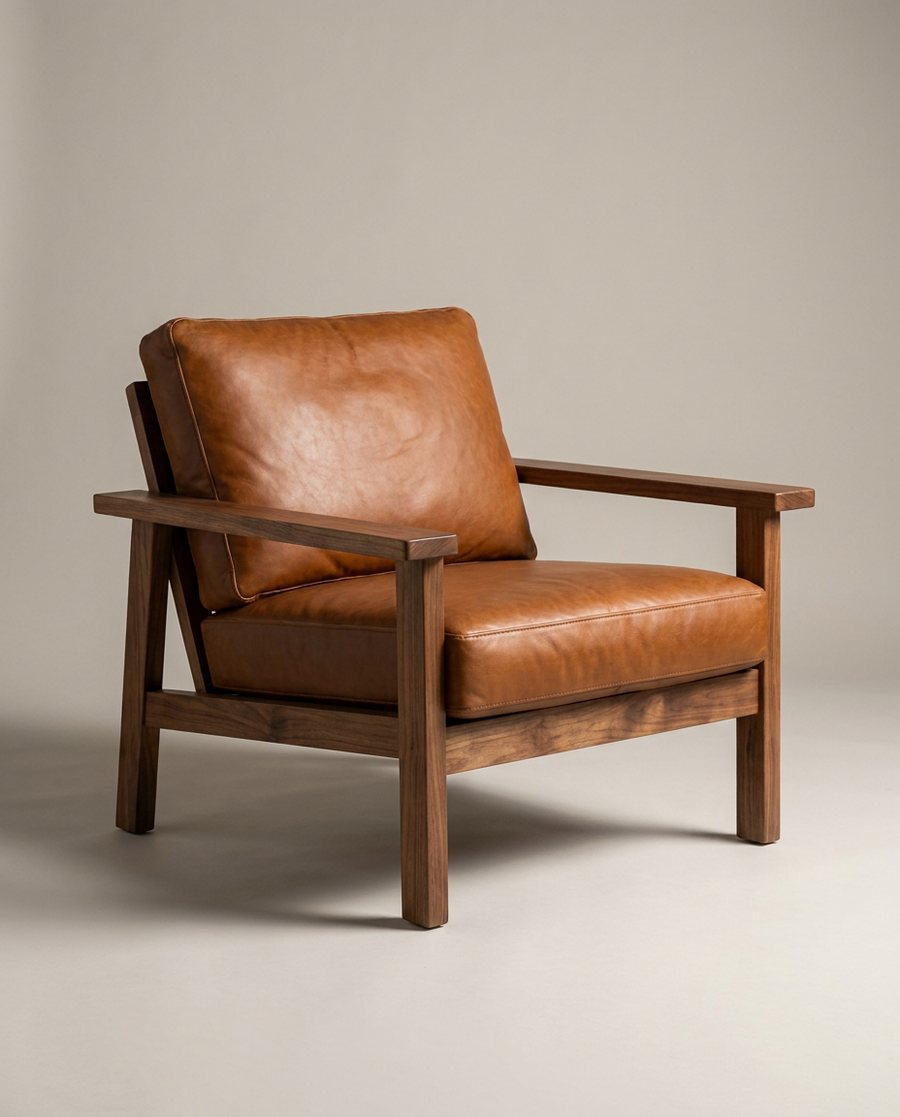
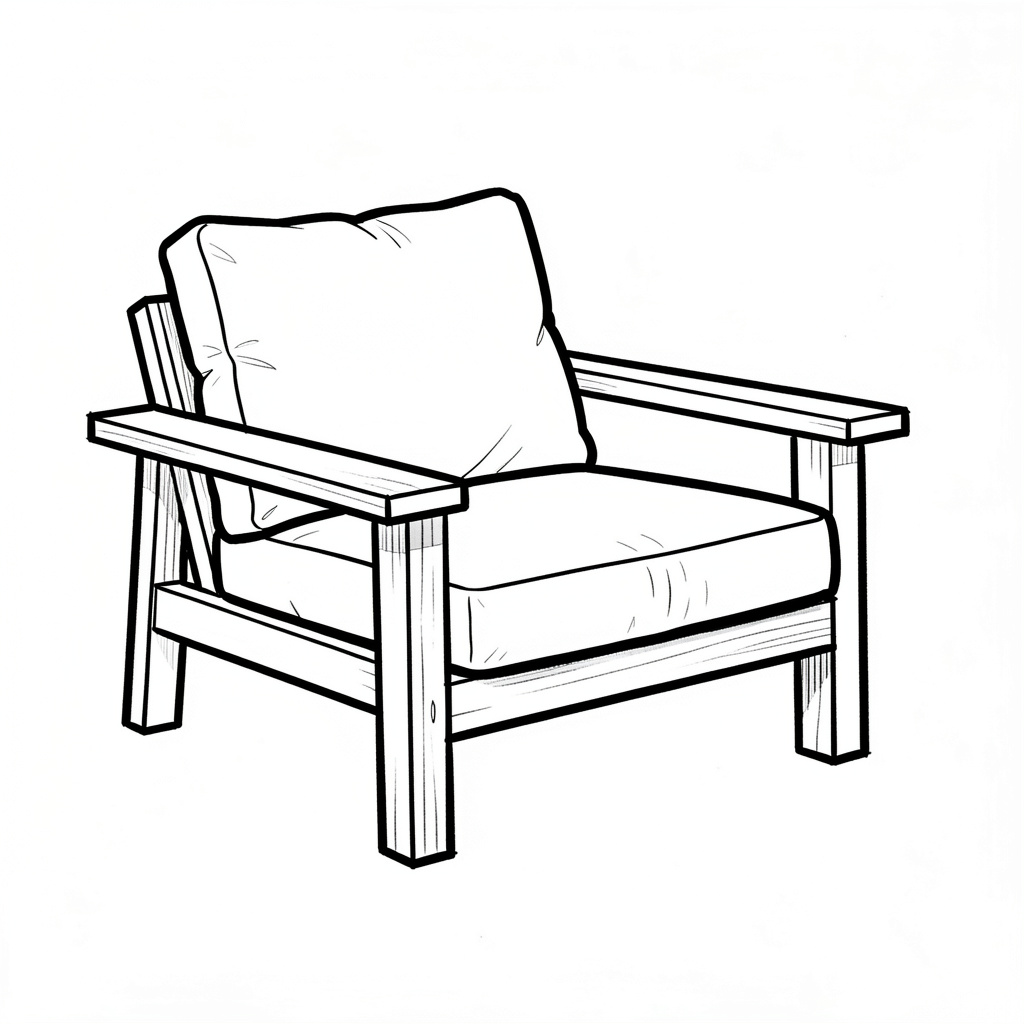
Product shots from a sketch
Upload a concept sketch, choose a finish and get a catalogue shot and an interior scene of the same piece.
Learn with our tutorials
Short video series on the canvas, the design agent, rendering and CAD. See all videos


Experiment for free, use credits for production
Runchat plans include free daily usage of models for generating, editing and upscaling images, so you can test ideas without breaking the bank.
See all plans and pricing