Screen recordings that edit themselves
Record your screen and talk. Get back a finished video and vertical shorts, cut from what you said.
 Install the ChatGPT plugin
Capture your screen and audio
Press Record or Ctrl+Alt+R from any app. Clipchat captures your screen, mic, webcam and desktop audio.
Give edit instructions out loud
Say “cut that” after a fluffed line, or ask for a speed-up before a slow install, and keep recording. The commands are carried out and removed from the audio.
Review the cut and render locally
When you stop, Clipchat transcribes your narration, labels the scenes and drafts the edit. You review the preview, adjust it with notes or chat, and render on your own computer.
One mic for narration and editing
Restarting a recording because of one fluffed line wastes the whole take. In Clipchat you talk to viewers and to the editor on the same mic to suggest cuts and effects.
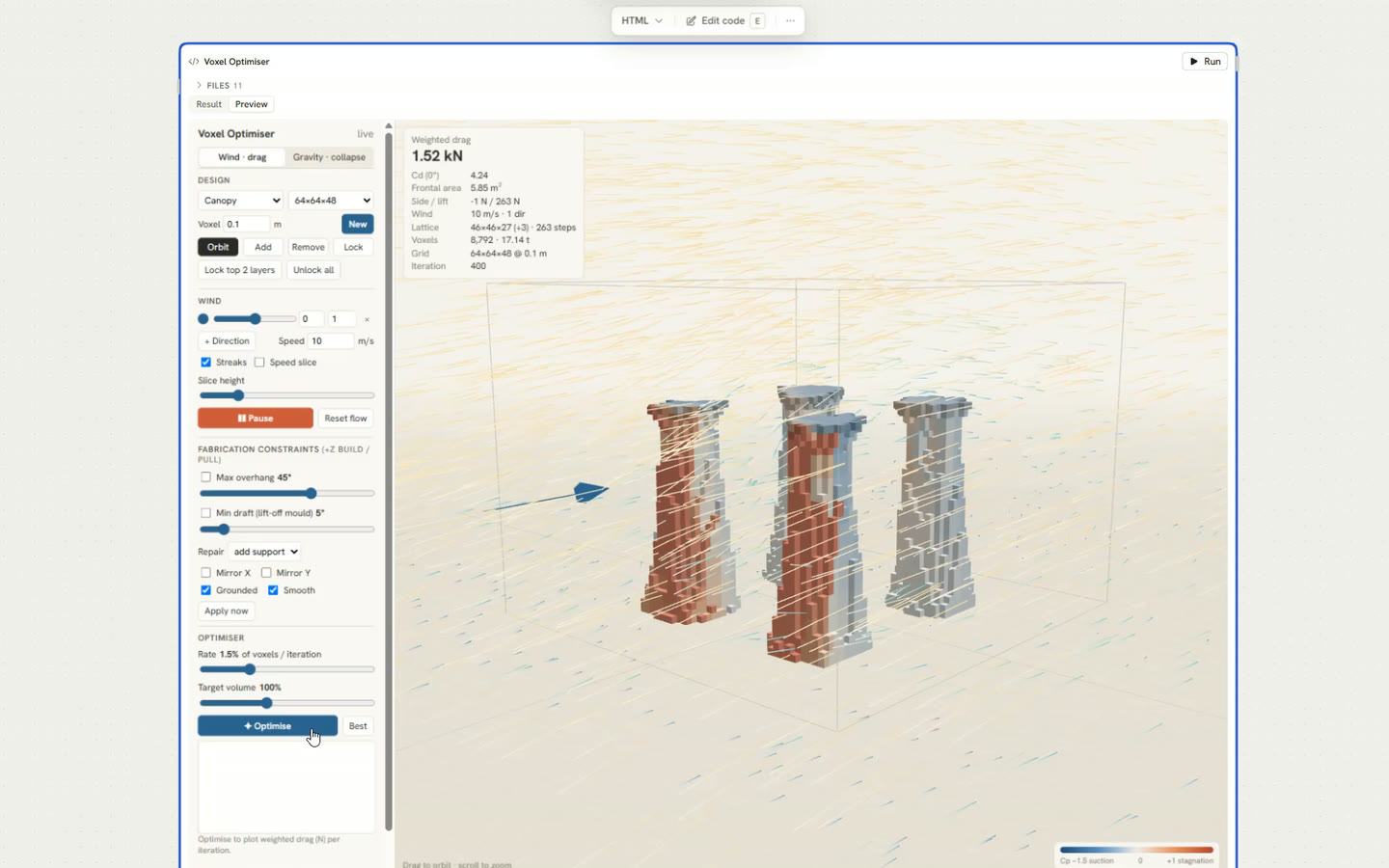 where the drag was highest
If you mess up a sentence, say so and repeat the line without stopping the recording.
Zooms, captions and framing added for you
Adding zooms, captions and framing by hand in a video editor is repetitive work. Clipchat applies them from your transcript and pointer movement, and you can change any of them during review.
Zoom follows your clicks
Clicks zoom in and follow your pointer. Turn zoom off for any section that should stay wide.
Framed on a backdrop
Your recording sits in a rounded frame with a drop shadow, ready to post.
Fast-forward through waiting
Slow stretches like this optimiser run are sped up instead of cut.
Captions and title cards
Captions come from your narration. Title cards go in where you ask for them.
Blur private details
Mark a region and it stays blurred, like the browser tabs in this clip.
Vertical shorts from one take
Say “make a short” and you get a 9:16 cut alongside the 16:9 video.
Revise the edit with timeline notes
- Mechanical fixes happen immediately. Cuts, mutes and speed changes apply right away, with undo.
- Other notes go to the agent. It looks at the footage around each note and updates the edit. You can also ask for changes in the chat panel.
- Manual mode skips the AI entirely. Choose “I'll edit it myself” after recording to start from the uncut footage.
Make the rest of the post in Runchat
Every recording comes with a transcript. Send it to a Runchat workflow to make what goes around the video, or to publish it.

Generate b-roll
Describe a shot and Runchat generates an image or clip to cut in over your narration.
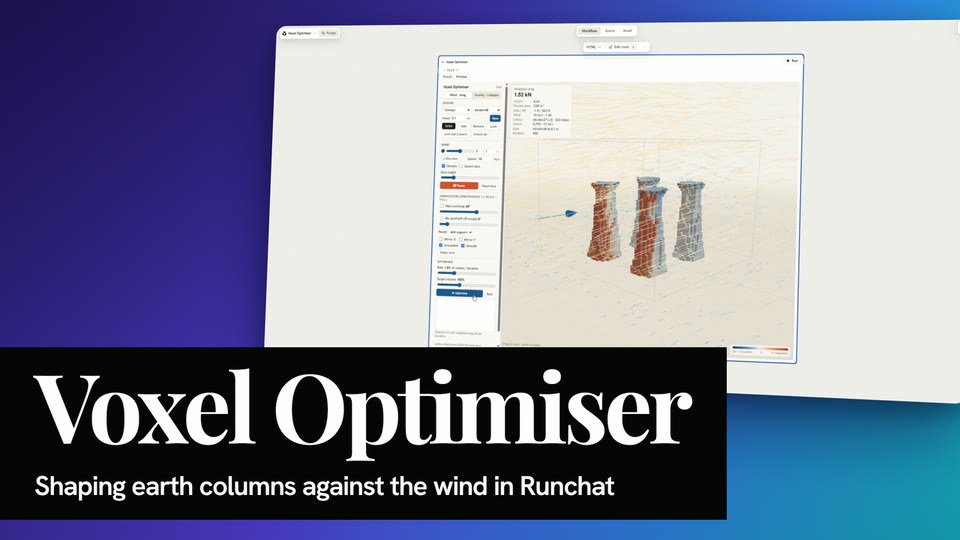
Make YouTube thumbnails
Runchat builds a thumbnail from a frame of your recording and its title, sized for YouTube.
Write blog posts
Runchat turns the transcript into a written post, with frames from the recording.
Control Clipchat from your coding agent
Clipchat exposes its tools through the Runchat MCP server and CLI. Claude Code, Codex and other agents can start and stop recordings, read transcripts, run edits and render video files.
Free to record and render
Clipchat only uses Runchat credits for transcription, scene labelling and AI editing. Recording and rendering happen on your computer and cost nothing.
See plans and pricingEstimates cover transcription, scene labelling and editing. Publishing workflows cost whatever the workflow uses.
Try Clipchat for free
Create and edit a new screen recording with Clipchat on Windows and Mac.